
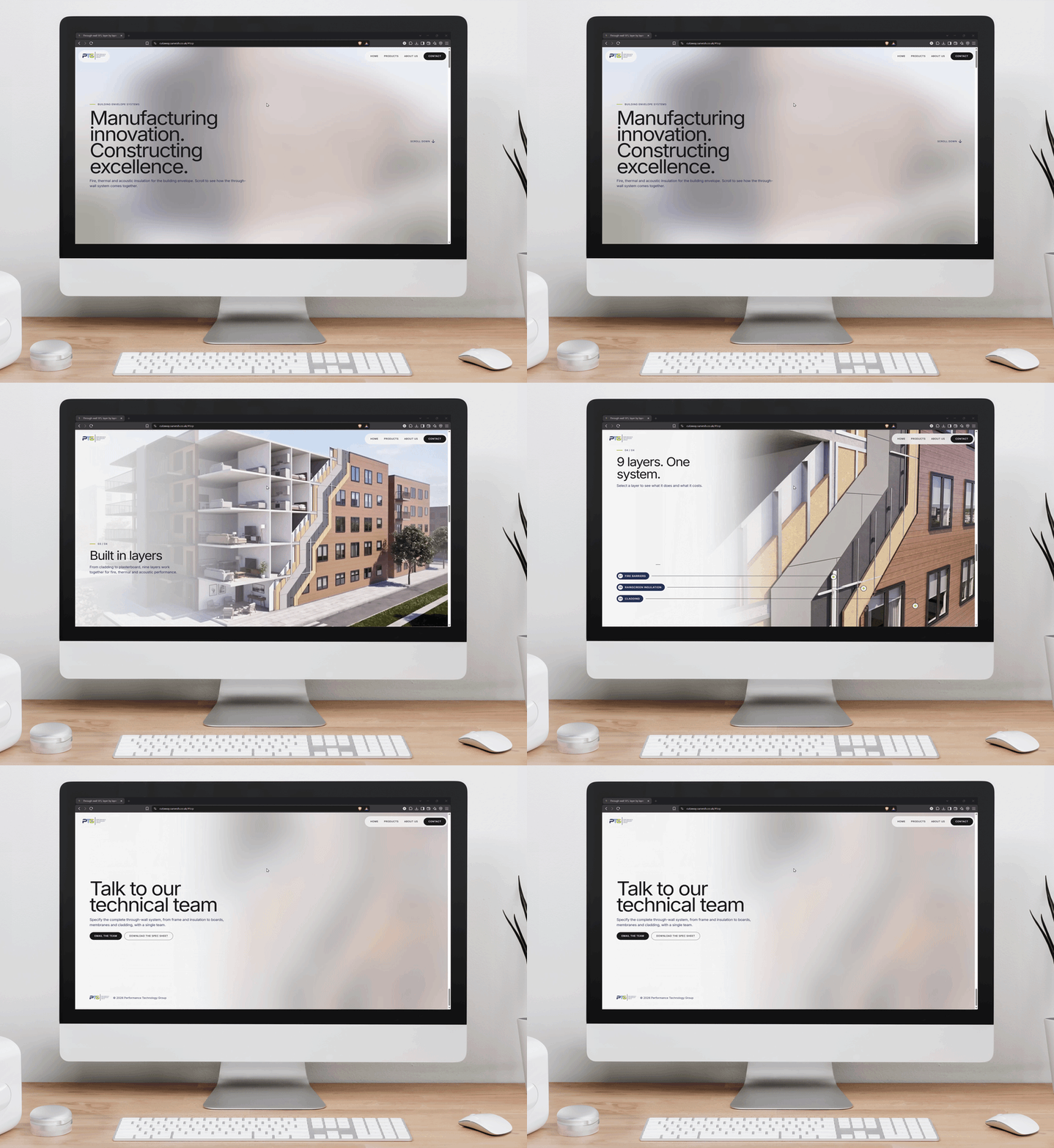
Explaining the wall, layer by layer
PTG commissioned a short 3D animation to explain how its through-wall system and external cladding fit together. The business goal was to increase product visibility online, give the marketing and sales teams a clearer way to present the range, and turn product interest into enquiries and sales.
The scope centred on a concise sequence: show the complete building, open it into a cutaway, then zoom in on the construction layers. PTG’s technical information and specified cladding guided the modelling, while client feedback shaped the detail and presentation. I completed the 3D animation and extended it into a scroll-driven web experience, now in final UI/UX testing.
Modelling the wall system
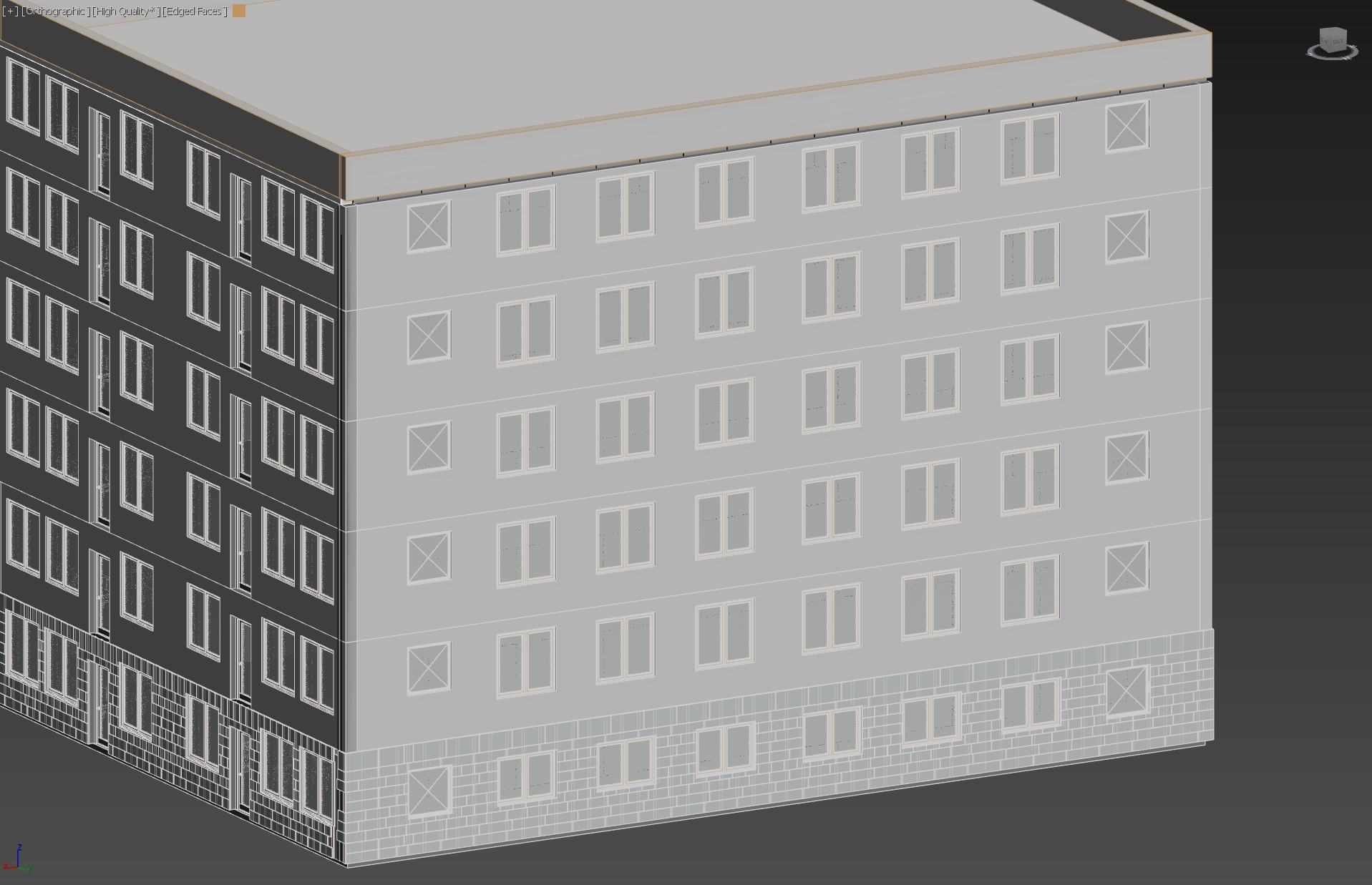
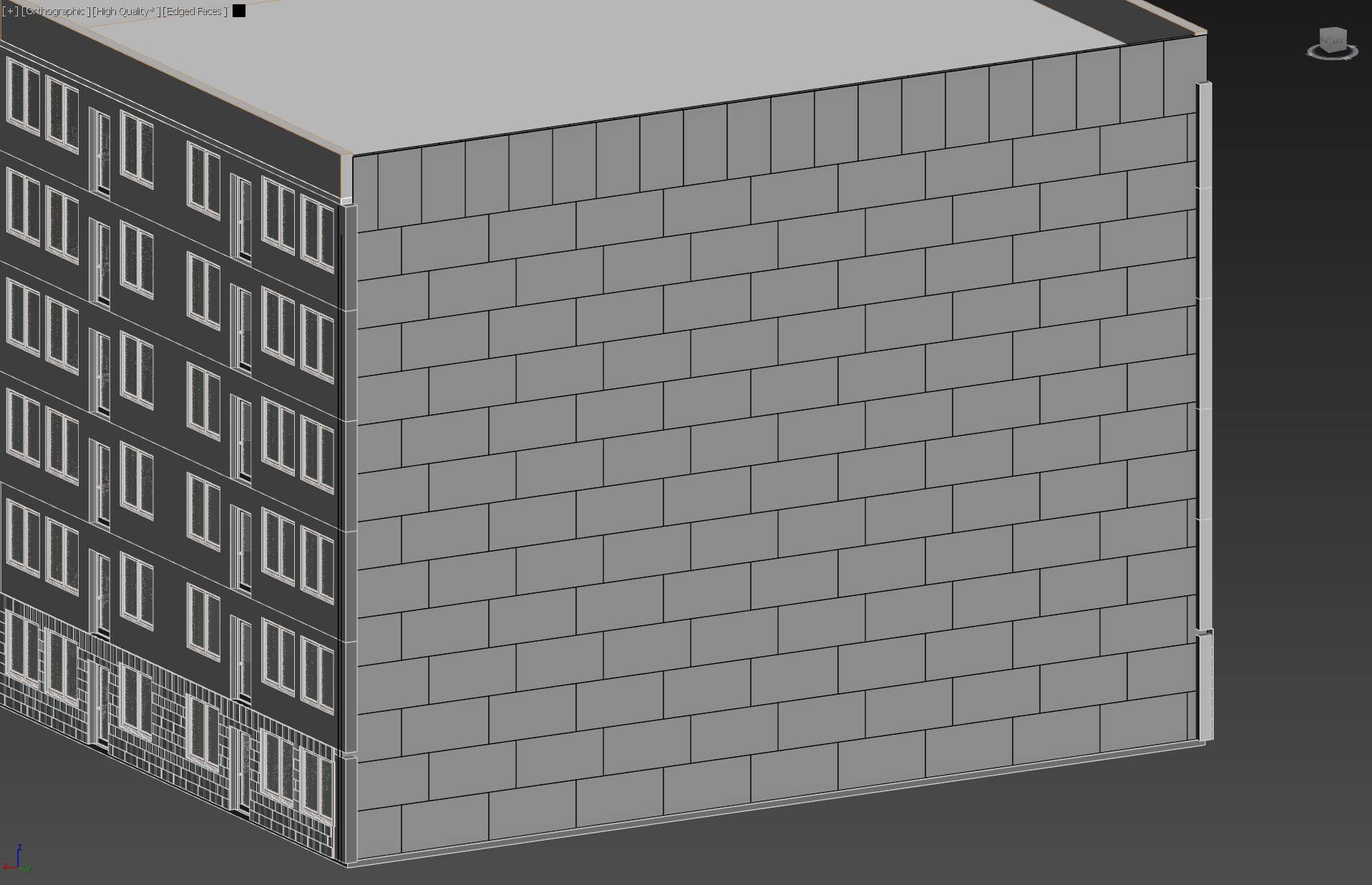
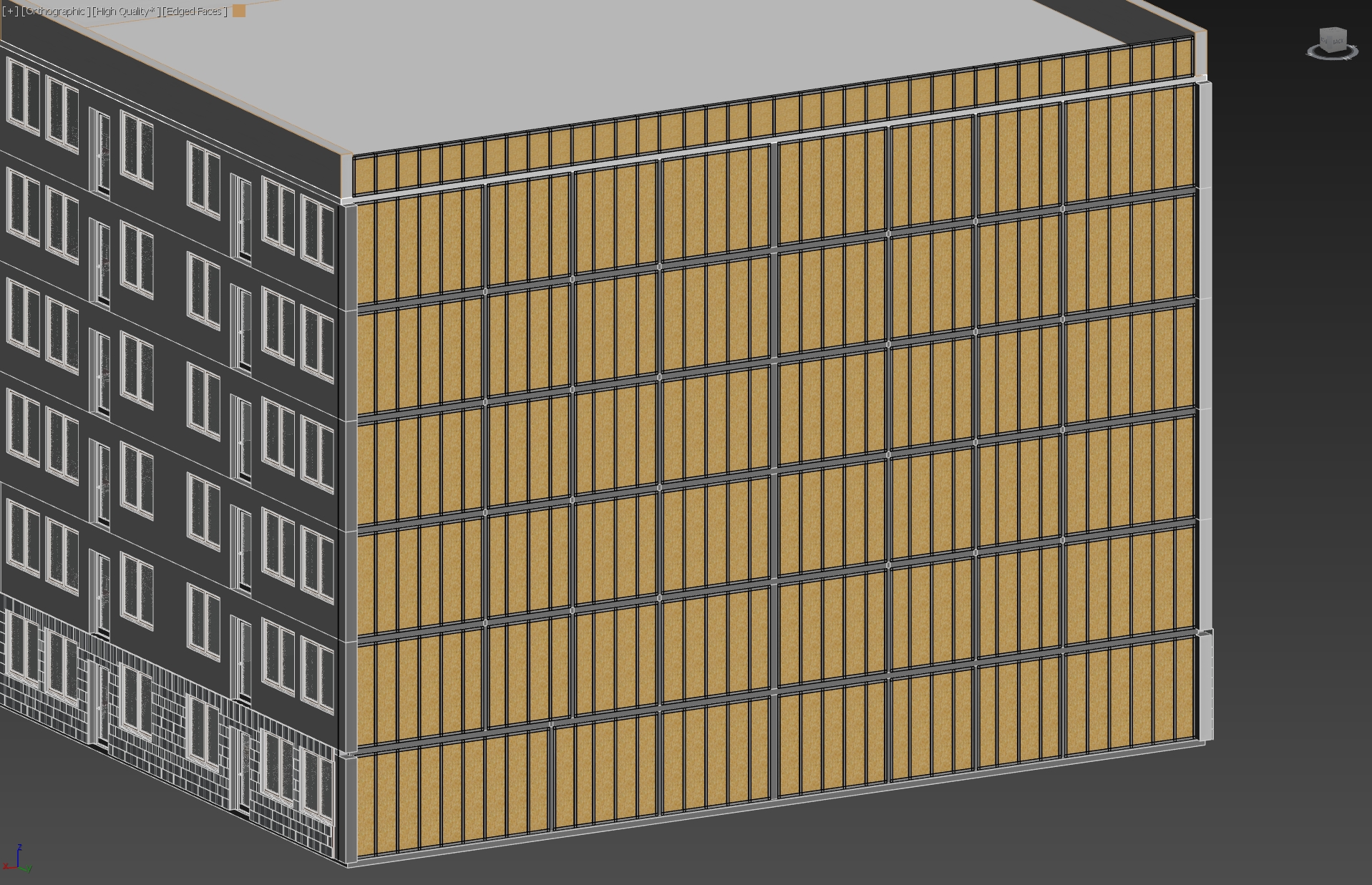
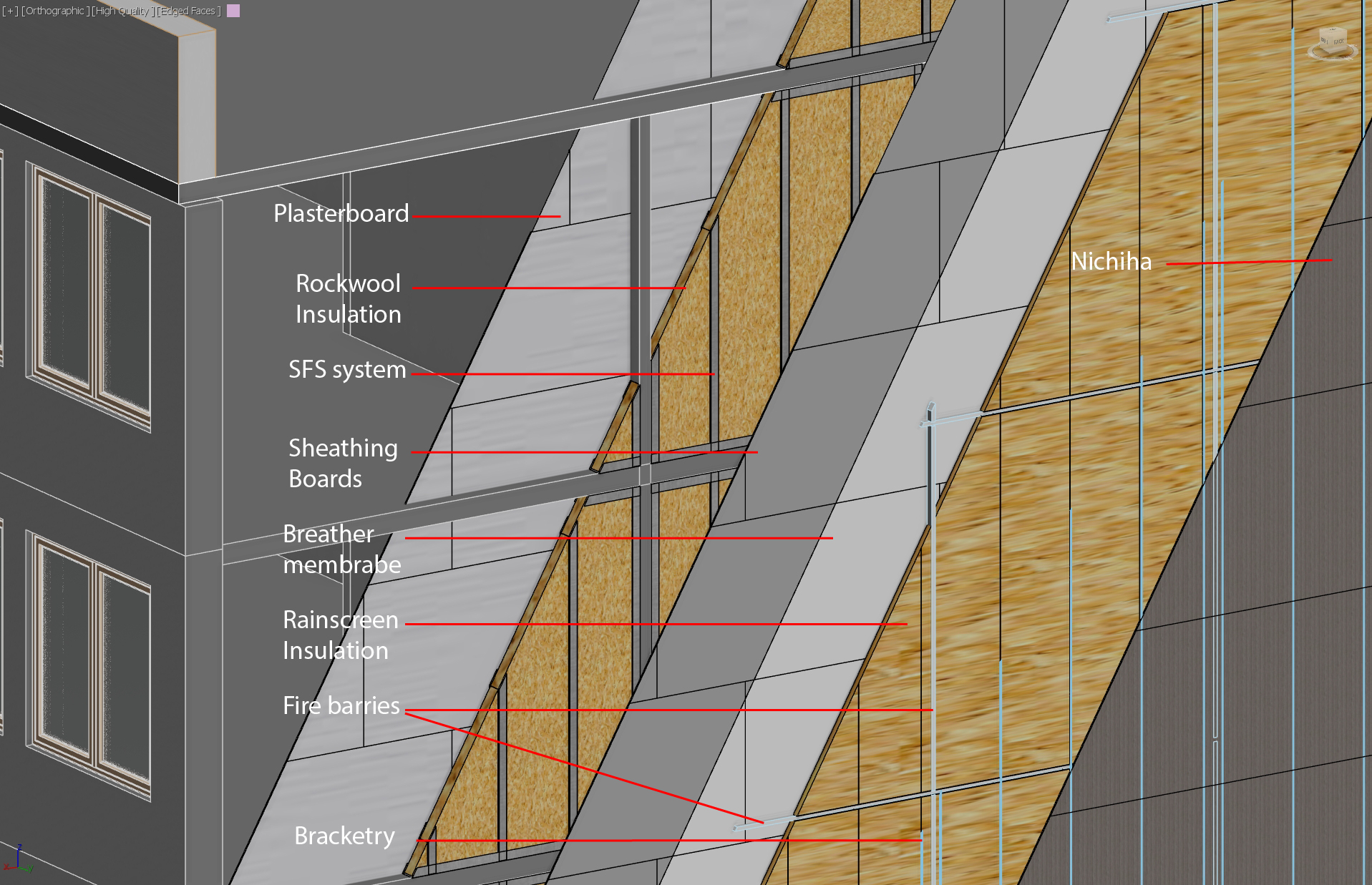
I modelled the building and wall build-up in 3ds Max, keeping the components separate so each layer could be revealed in the animation.
3ds Max model
Developing the building scene
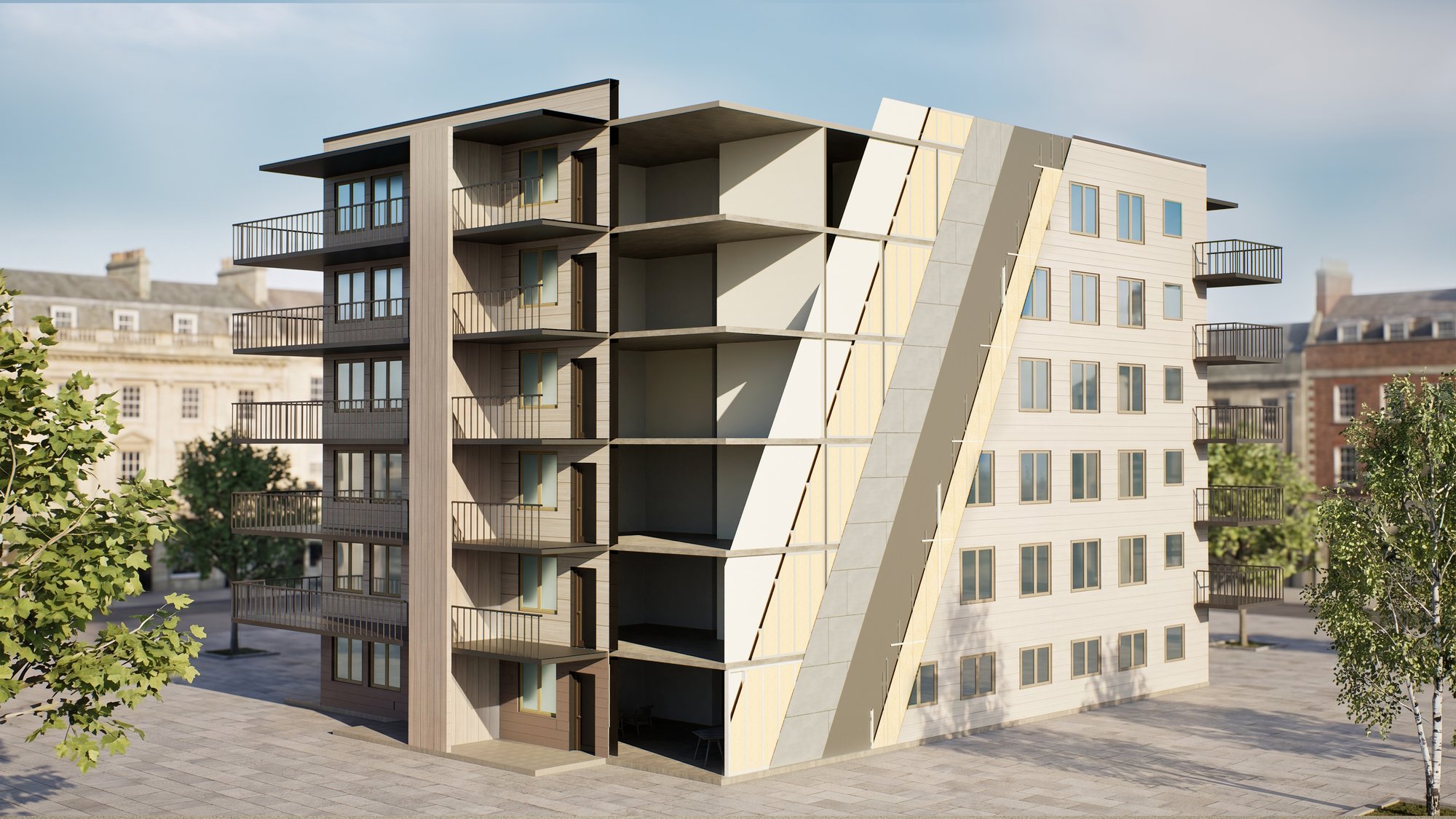
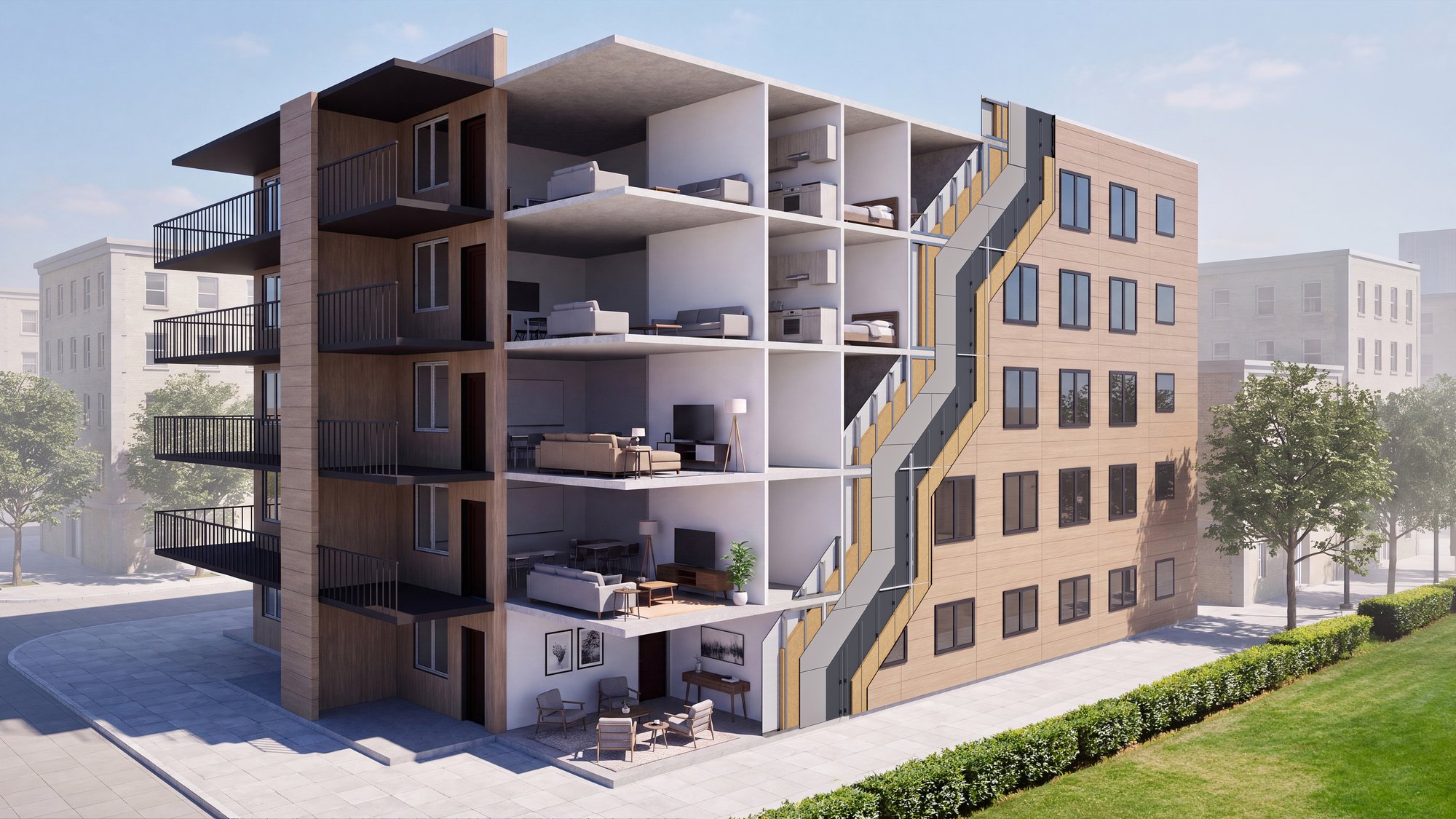
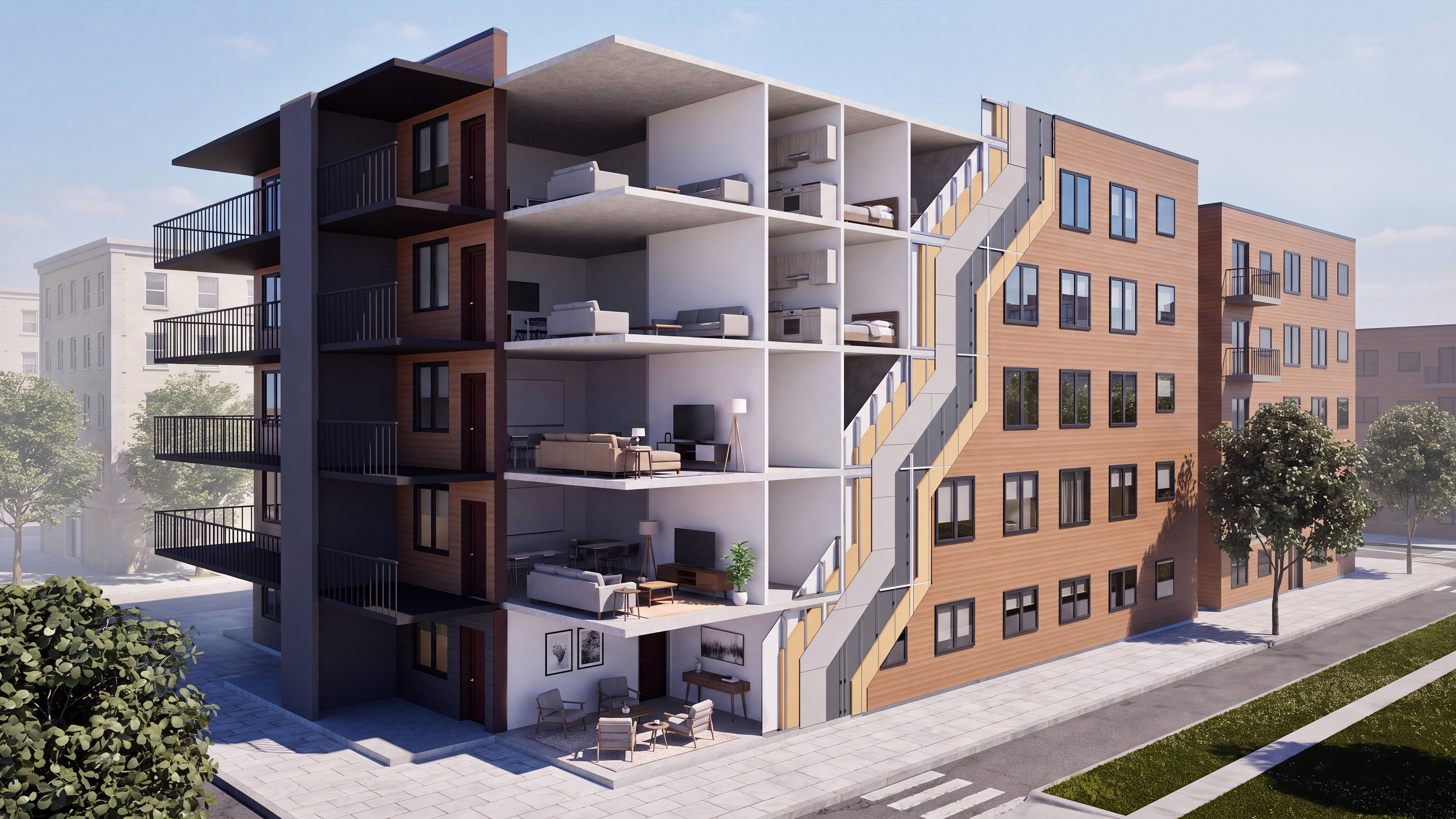
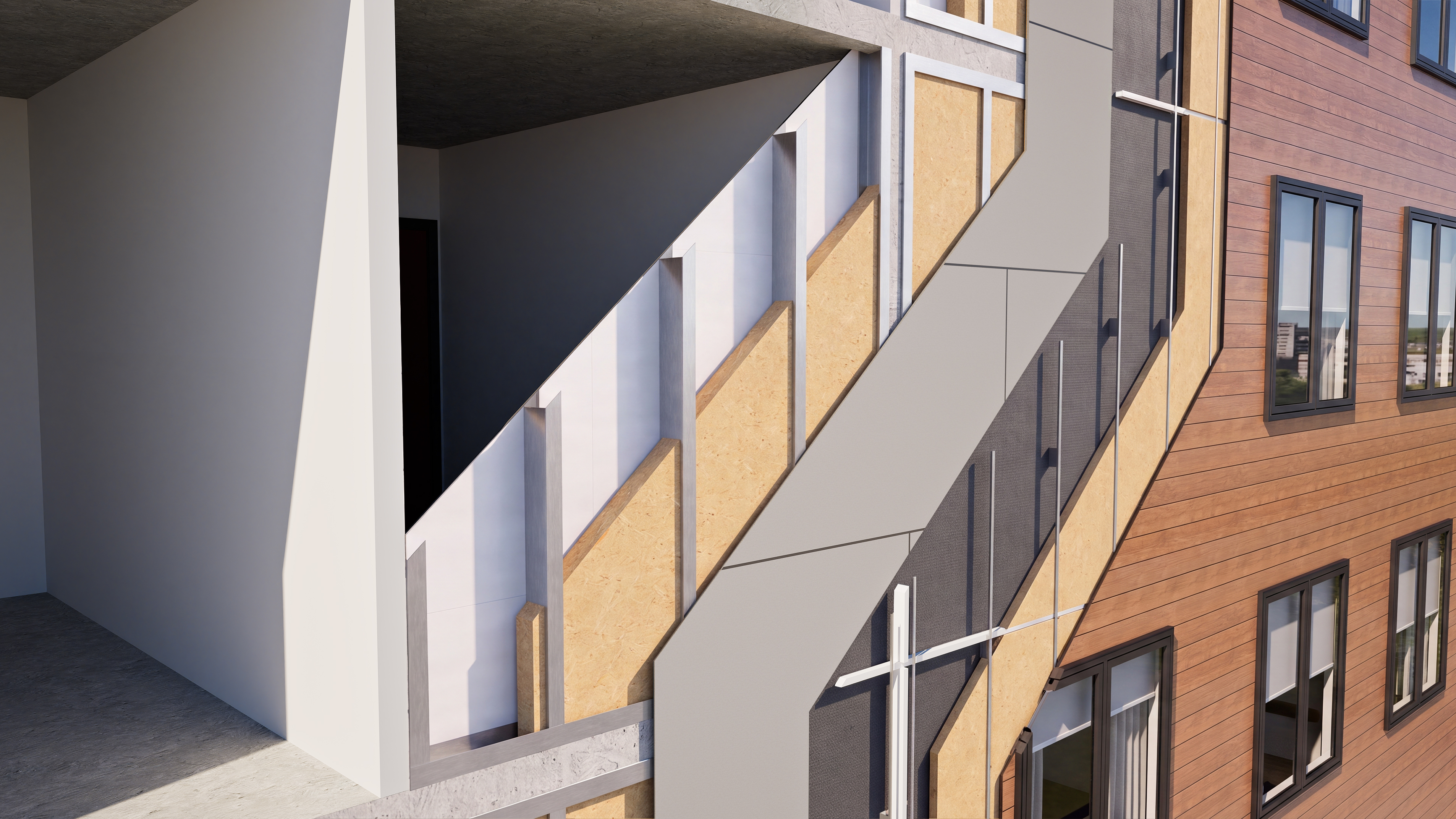
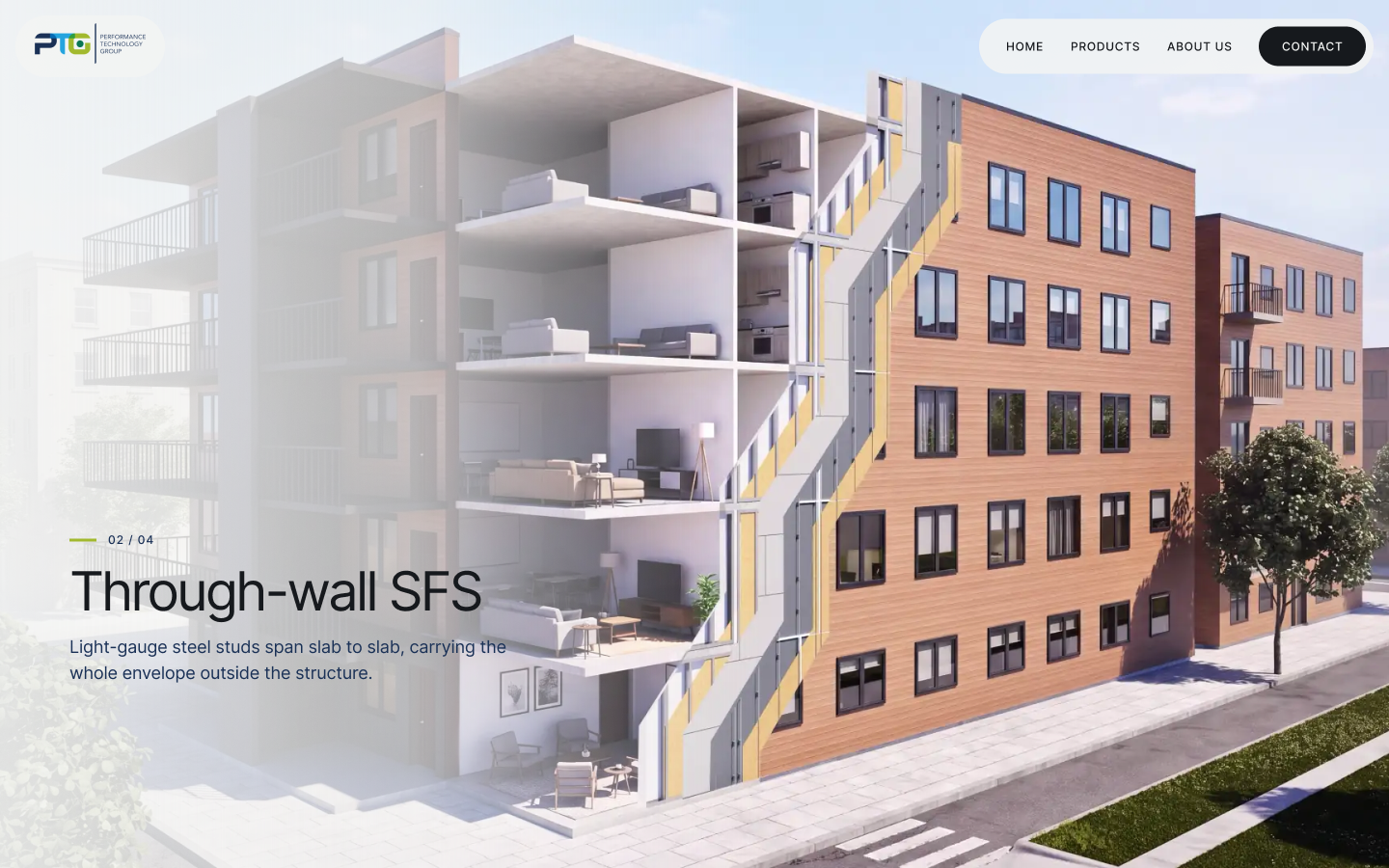
I refined the camera framing, materials and cutaway shape to move from the whole building to a clear view of the wall layers.
Camera, materials & cutaway studies
Creating the cutaway animation
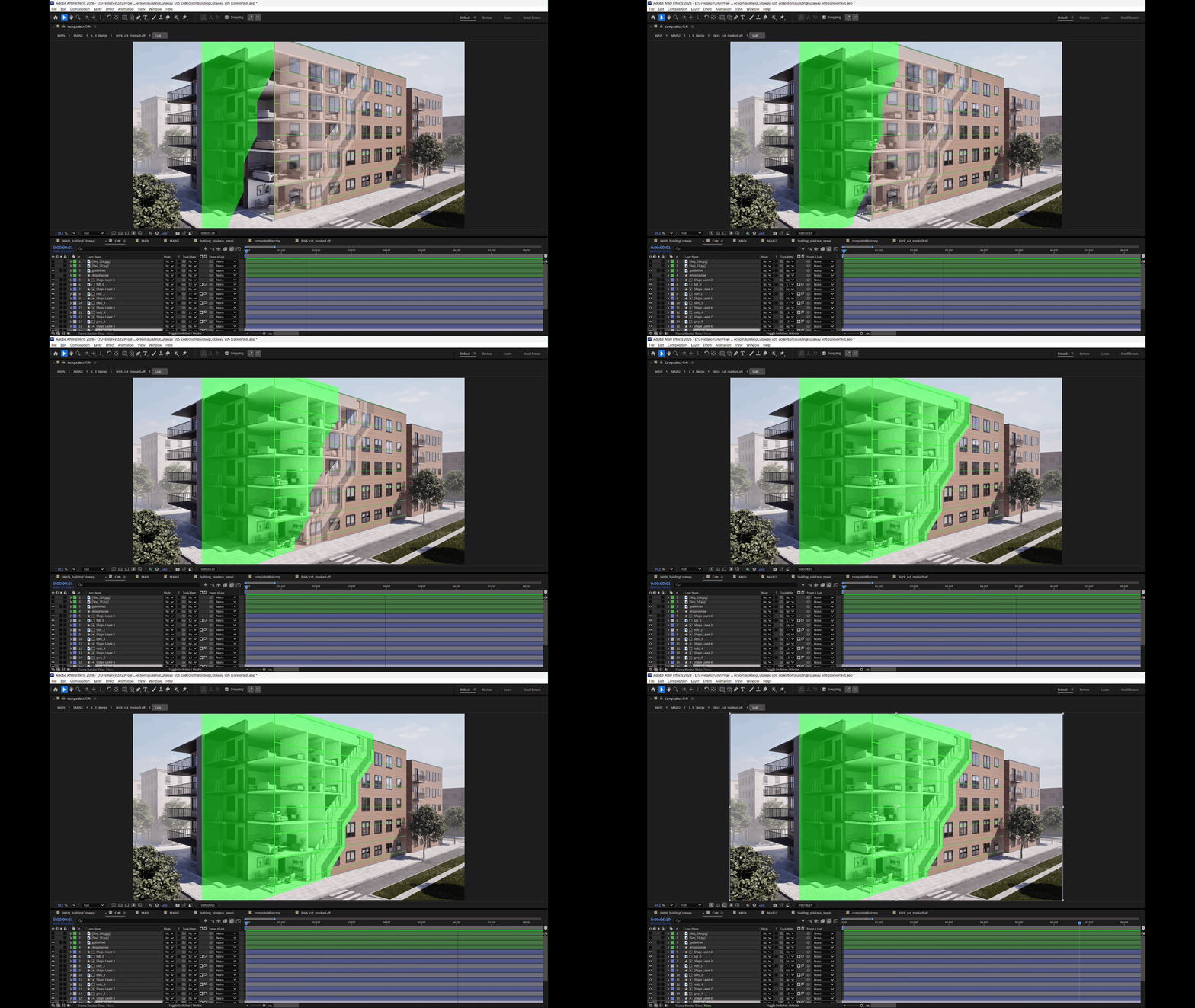
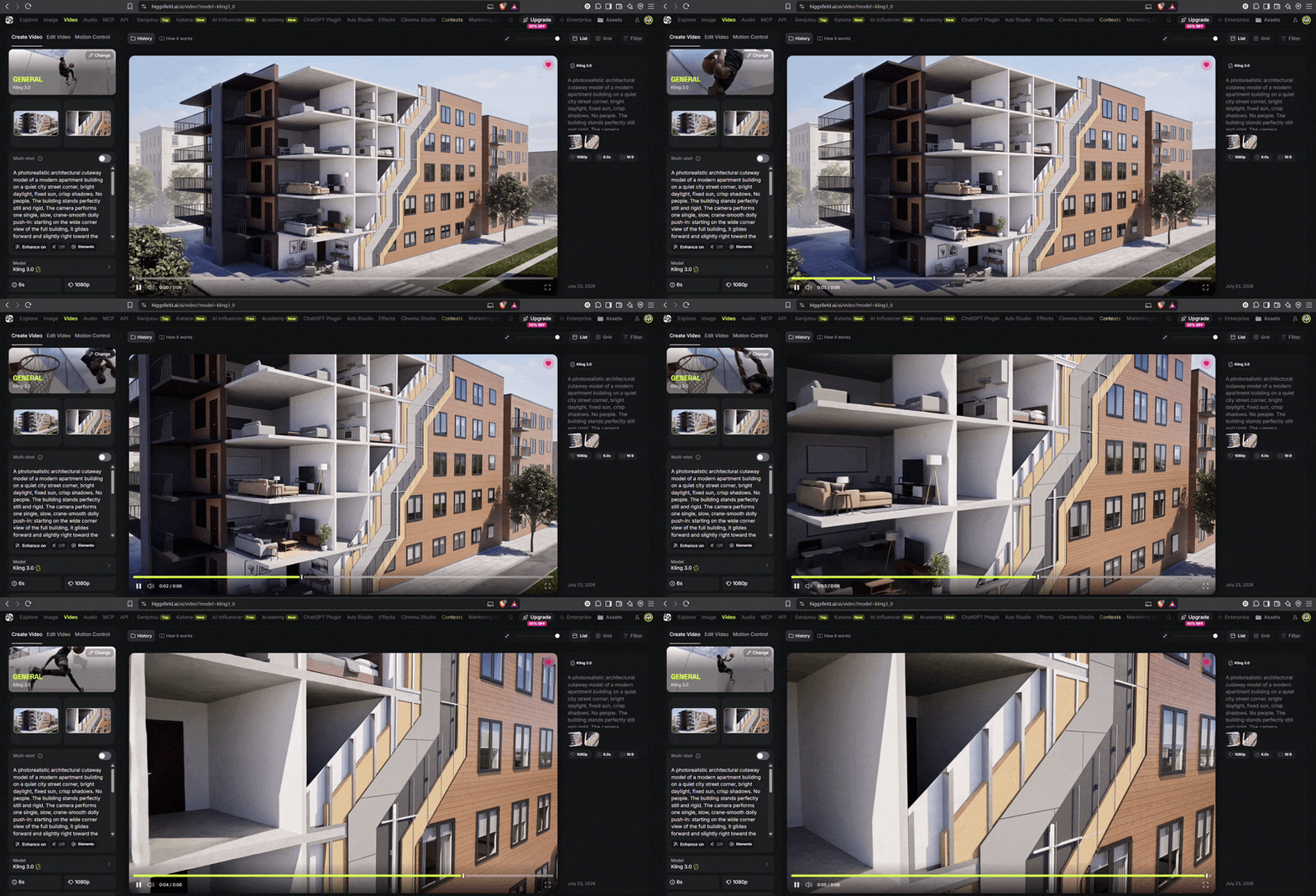
I used After Effects masking to control the reveals and bring the rendered sequence together into a continuous cutaway. I explored a transition shot using generative AI in Kling 3.0 to connect the building view with the close-up cutaway.
After Effects reveal sequence
Transition shot made using A.I - Kling 3.0
Web UI/UX Design
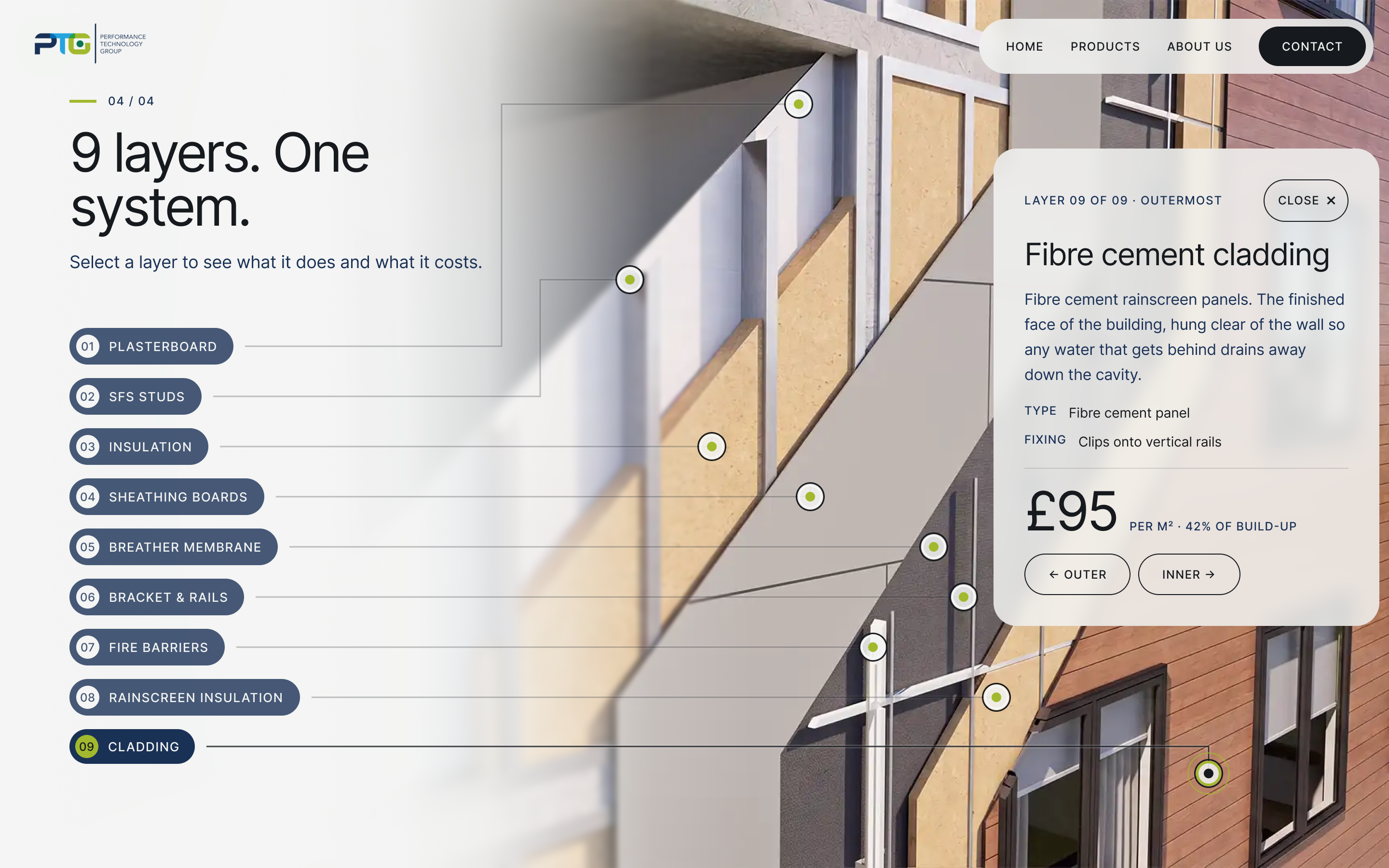
With the animation complete, I designed the scroll journey in Figma and built the live prototype. Numbered labels and layer detail cards let visitors explore the wall at their own pace.
Research
PTG’s brief called for a clear journey from the whole building to the wall detail. I carried that sequence into the web layout: scroll to reveal the cutaway, then select one of nine layers for more information.
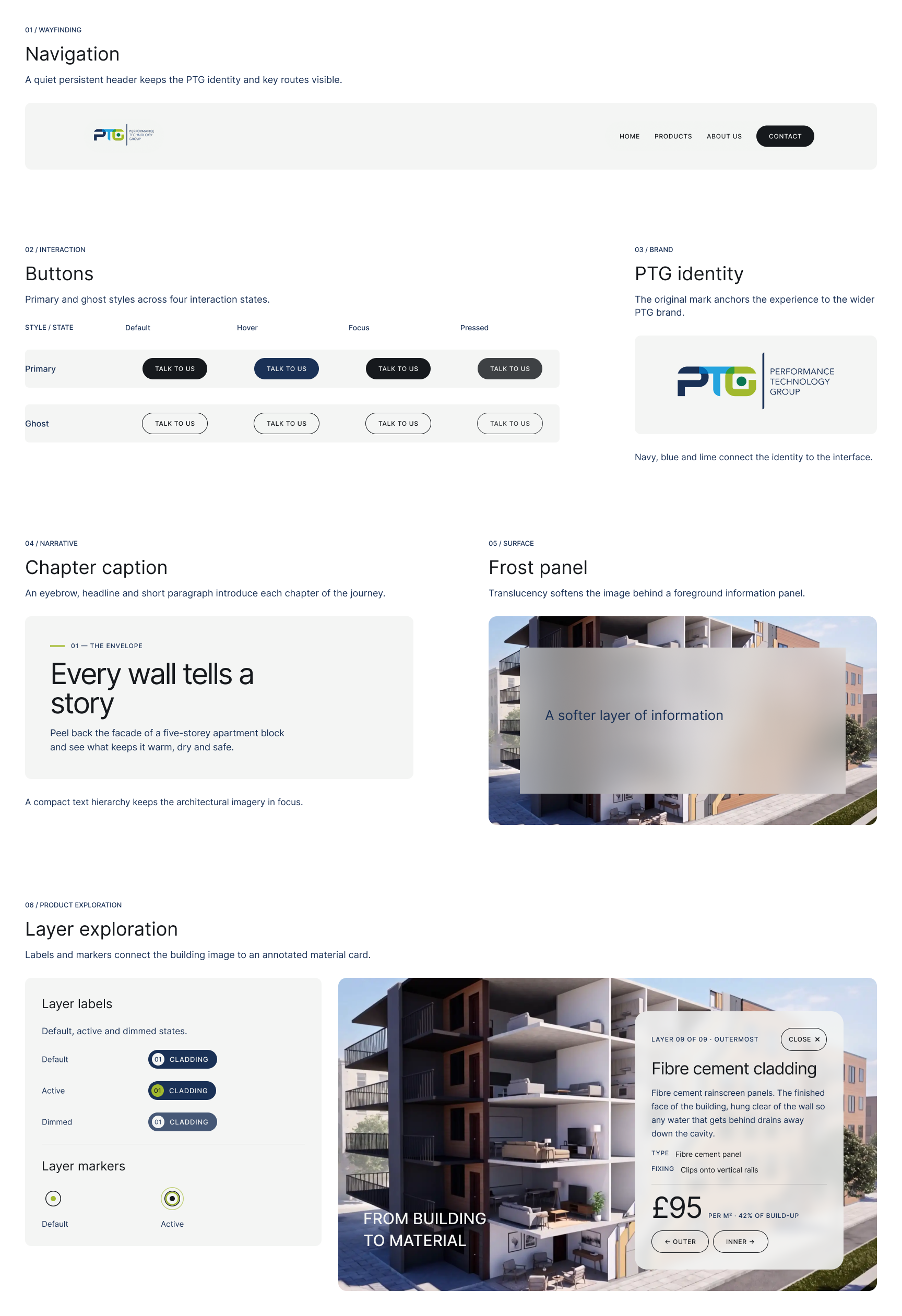
Design system
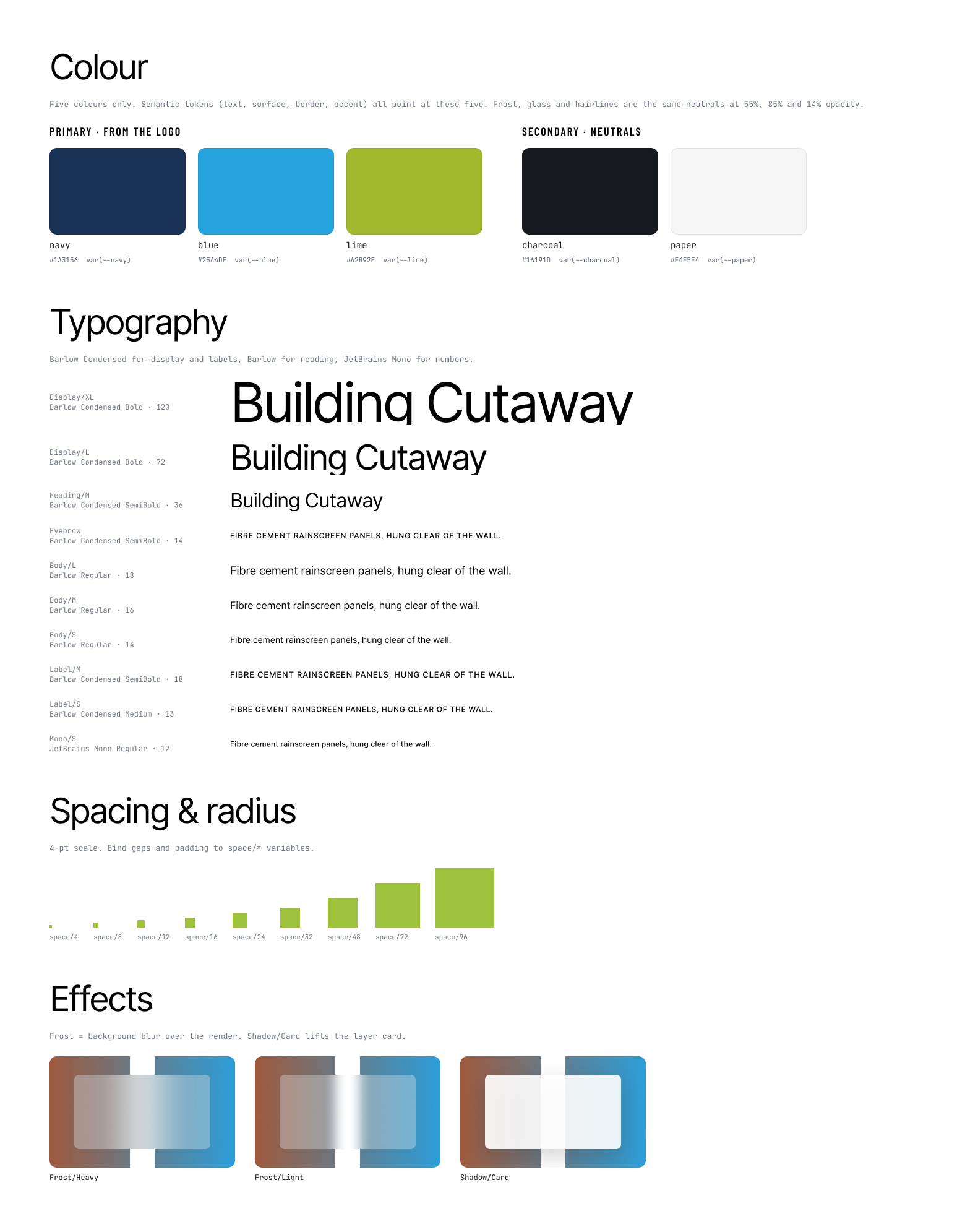
I used PTG’s colours and typography to build a reusable Figma system for navigation, numbered labels, layer cards and close controls. This kept the interface consistent as the web prototype developed.
Foundations & components
A cutaway you can explore
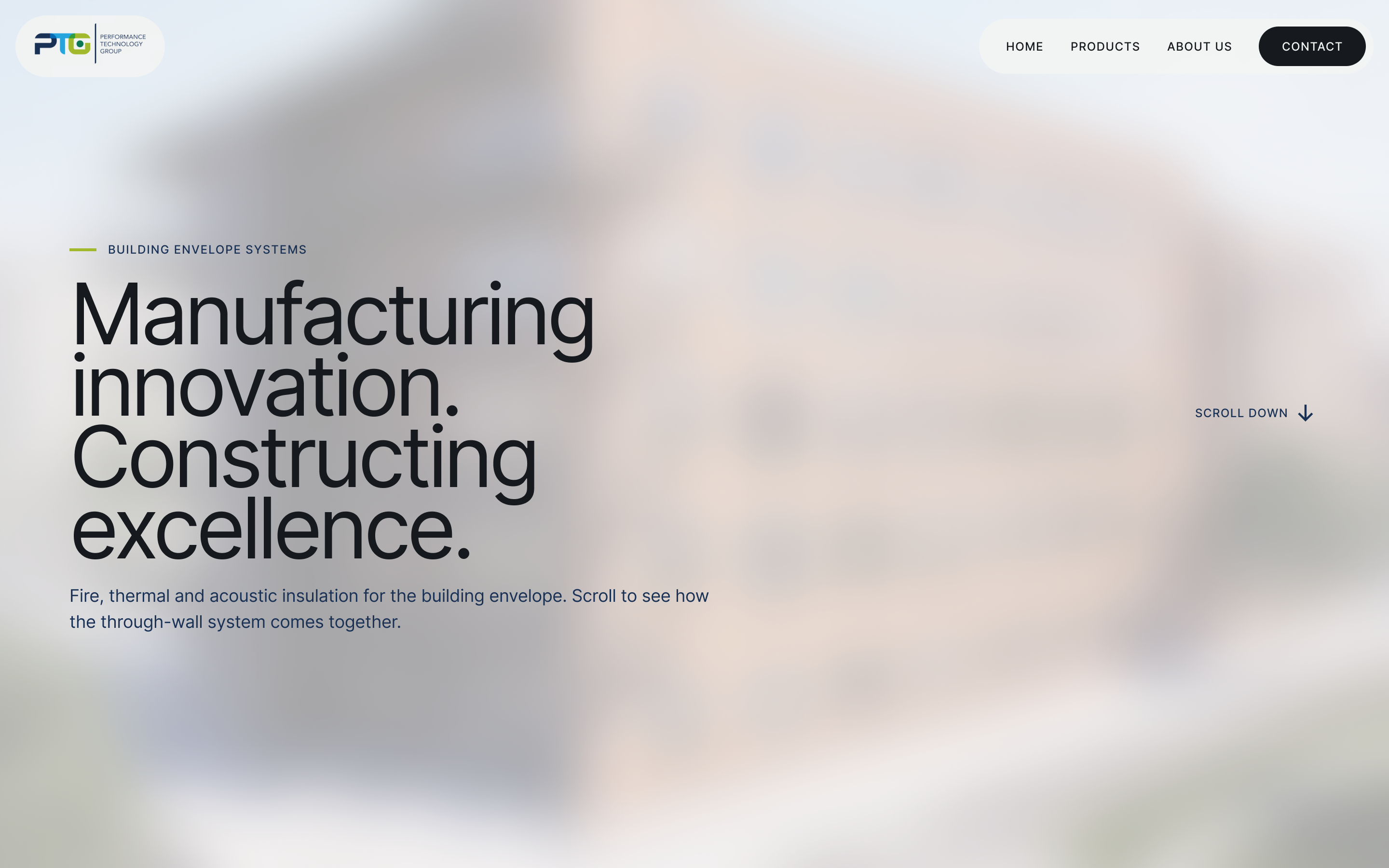
Scroll to reveal the cutaway, then select one of nine layers for more detail. The live prototype brings the animation, navigation and layer cards together.
Let's Collaborate
I’m always excited to take on new and challenging work. Whether you need a brand built from the ground up, a product interface designed, or engaging 3D and motion content, I’d love to help bring it to life.